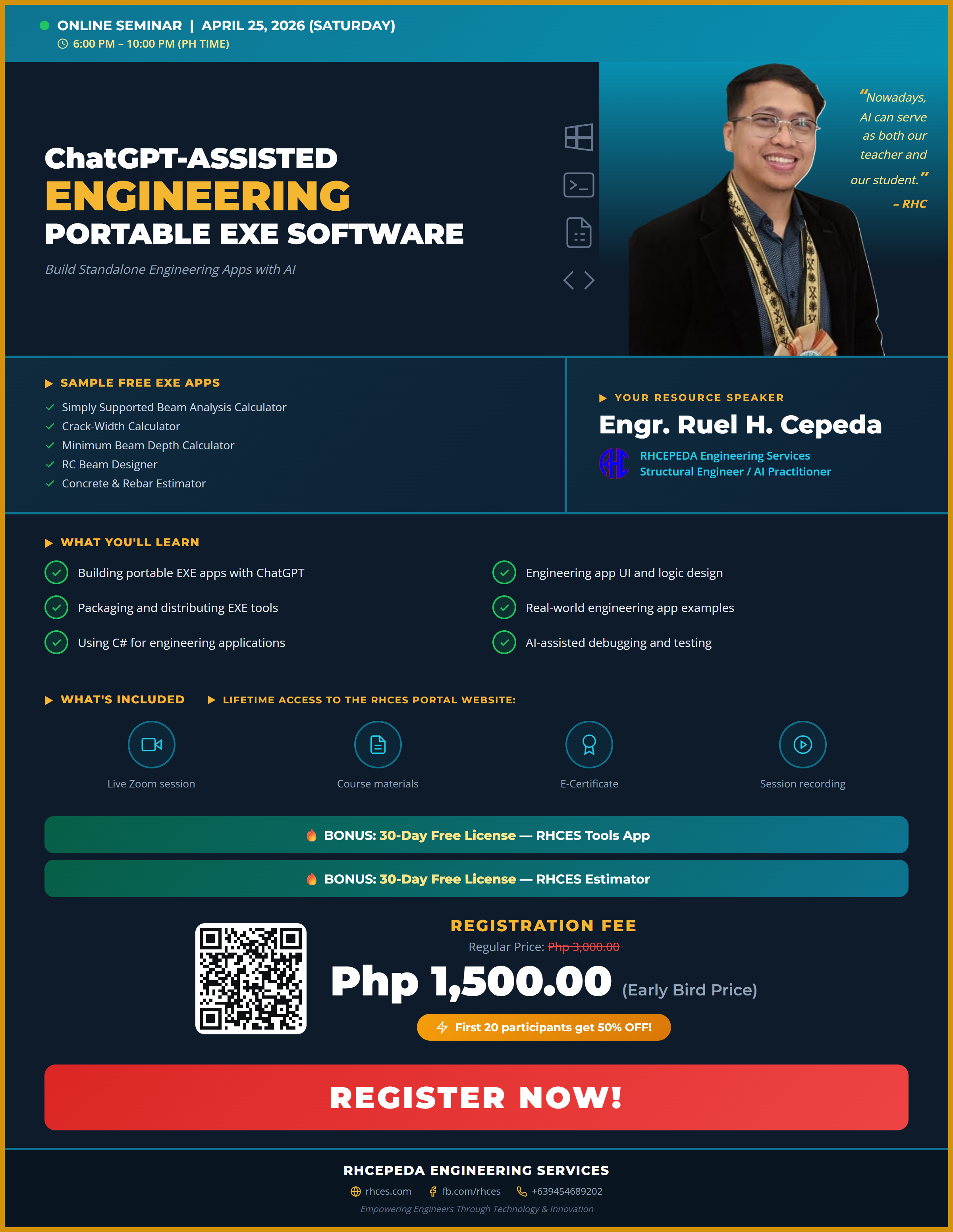
ChatGPT-Assisted Engineering Portable EXE Software
About This Seminar
What if you could build your own standalone engineering desktop applications — without installing Visual Studio, without learning C#, and without months of software development training? This seminar makes it possible.
Using ChatGPT as your AI coding assistant, you will learn how to create lightweight, portable EXE applications that run on any Windows computer without installation. From simple unit converters to multi-module structural calculators, you will build real applications during this hands-on session.
These are not toy prototypes — they are production-ready tools that you can distribute to your team, use on project sites, or even sell as your own engineering products.
"Nowadays, AI can serve as both our teacher and our student." — Engr. Ruel H. Cepeda
Why Portable EXE Apps?
Portable applications offer unique advantages for practicing engineers:
- No installation required — just copy the .exe file and run it on any Windows PC
- Works offline — no internet connection needed after building
- Easy to share — email or USB transfer to colleagues on site
- Fully customizable — modify formulas, add features, change the UI anytime
- Professional appearance — proper windows, buttons, and input fields (not spreadsheet-based)
What You Will Learn
Learn how to use ChatGPT to generate complete C# desktop applications from engineering requirements — no prior coding experience needed.
Design professional user interfaces with proper input fields, buttons, and layouts. Implement engineering formulas and calculation logic in your apps.
Understand the basics of C# that ChatGPT uses to build your apps. Learn how to review, modify, and extend AI-generated code for your specific needs.
Compile your application into a standalone portable EXE. Learn distribution strategies and how to share your tools with colleagues and clients.
Hands-on walkthrough of practical engineering apps built with ChatGPT, from simple calculators to multi-module design tools.
Use ChatGPT to identify and fix bugs, validate calculations, and test your engineering applications before distribution.
Sample Free EXE Apps
- Simply Supported Beam Analysis Calculator — Analyze beam reactions, shear, and moment diagrams
- Crack Width Calculator — Check crack widths per code requirements
- Minimum Beam Depth Calculator — Determine minimum depth for deflection control
- RC Beam Designer — Design reinforced concrete beams with complete output
- Concrete & Rebar Estimator — Estimate concrete volume and rebar quantities
Your Resource Speaker
Engr. Ruel H. Cepeda
Structural Engineer | AI Practitioner | Founder, RHCEPEDA Engineering Services
Engr. Cepeda is a licensed civil engineer specializing in structural analysis and design, with extensive experience in both local and international projects. He is the creator of RHCES Tools and RHCES Estimator, digital products used by hundreds of practicing engineers across the Philippines, Saudi Arabia, and the UAE.
As an AI practitioner, he actively integrates ChatGPT and modern AI workflows into his engineering practice — from automated spreadsheet generation to building full-featured desktop and web applications. His seminars focus on practical, real-world applications that engineers can immediately use in their daily work.
Who Should Attend
- Civil and structural engineers who want to build custom tools
- Engineers tired of complex spreadsheets and looking for a better solution
- Engineering consultants who want to offer proprietary calculation tools
- Project engineers who need site-friendly portable tools
- Students who want to build their engineering portfolio
What You Will Receive
Prerequisites
- A Windows laptop or desktop computer
- A ChatGPT account (free tier is sufficient; Plus recommended for faster responses)
- No prior coding experience required
Frequently Asked Questions
Absolutely! The entire point of this seminar is to use ChatGPT to generate the code for you. You provide the engineering logic; AI handles the programming.
C# for building Windows desktop applications. You do not need to know C# — ChatGPT writes the code for you based on your engineering requirements.
Yes. Everything you create during the seminar is 100% yours. You can modify, distribute, or commercialize your tools.
The seminar focuses on Windows EXE apps built with C#. The resulting applications are designed for Windows environments.
Registration Fee
50% OFF — Limited Slots! First 20 participants get 50% OFF!
Comments
Loading comments...
Leave a Comment